
Adding additional MFA methods
Important: You cannot use a phone call, text message, or Duo Mobile passcode to manage devices. If those are your only options, contact the University Service Desk (404-727-7777) or Emory Healthcare IS Customer Service (404-778-4357).
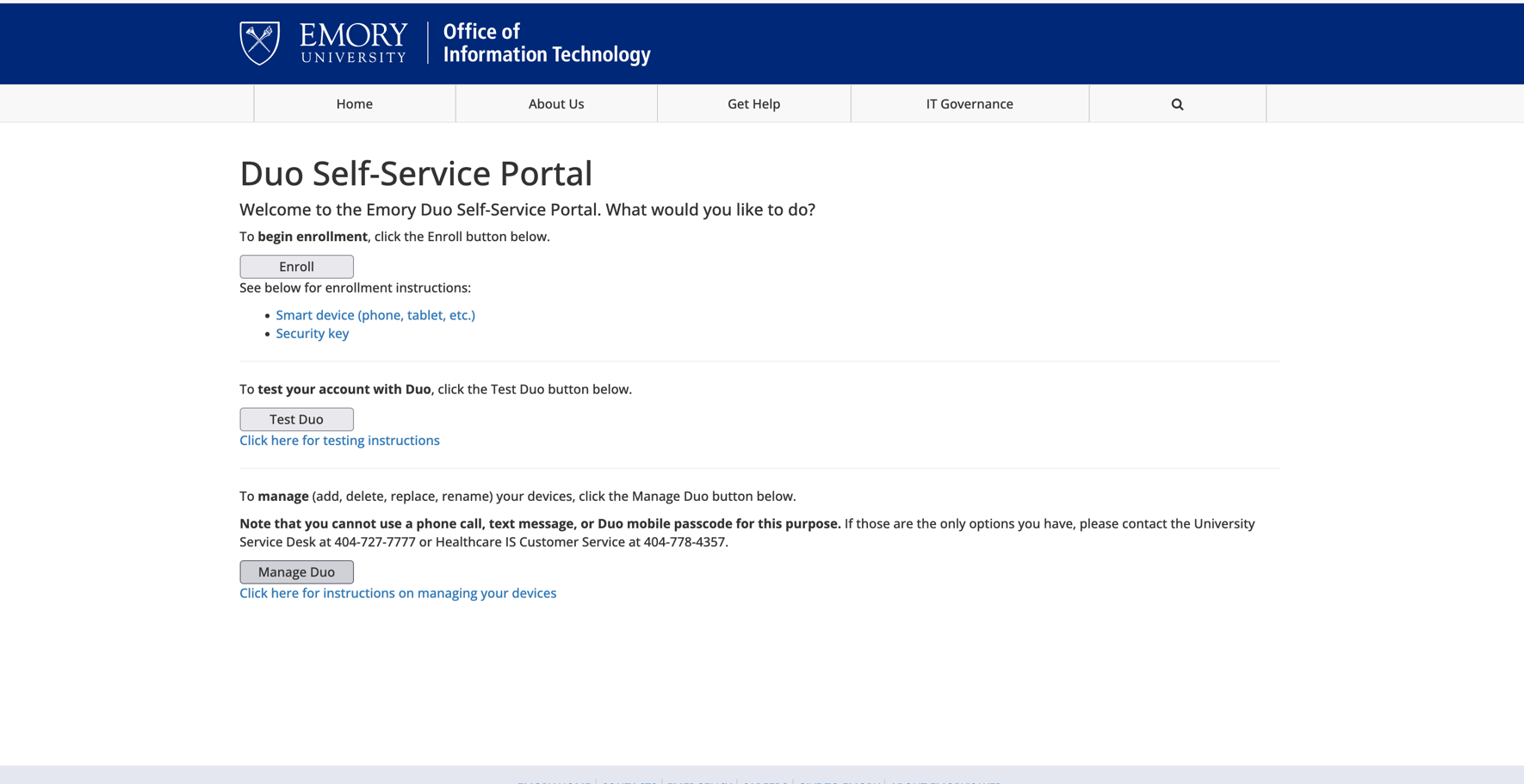
- In your browser, open the Duo Self-Service Portal and click Manage Duo.
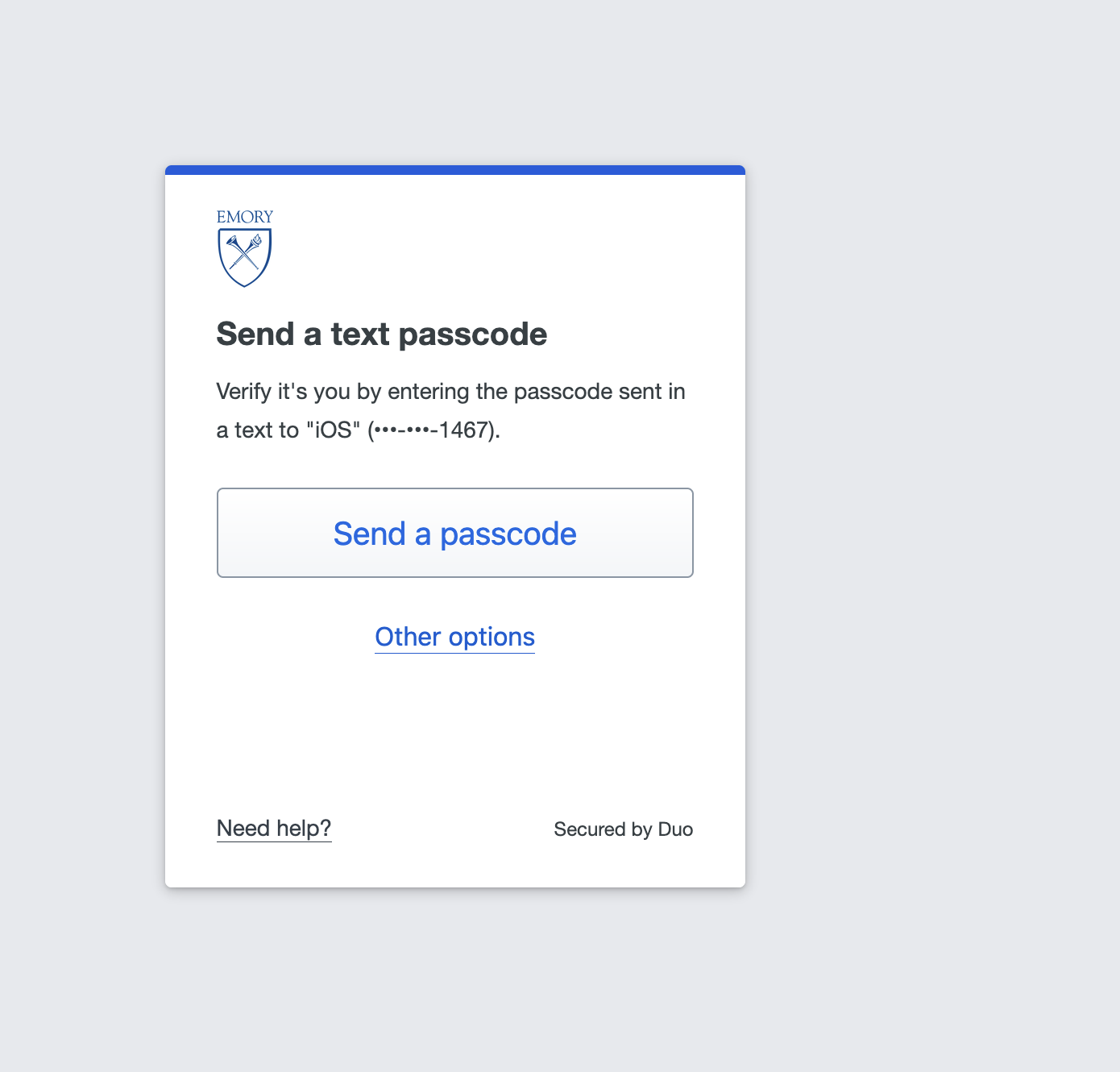
- At the verification prompt, click Other options (do not send a passcode).
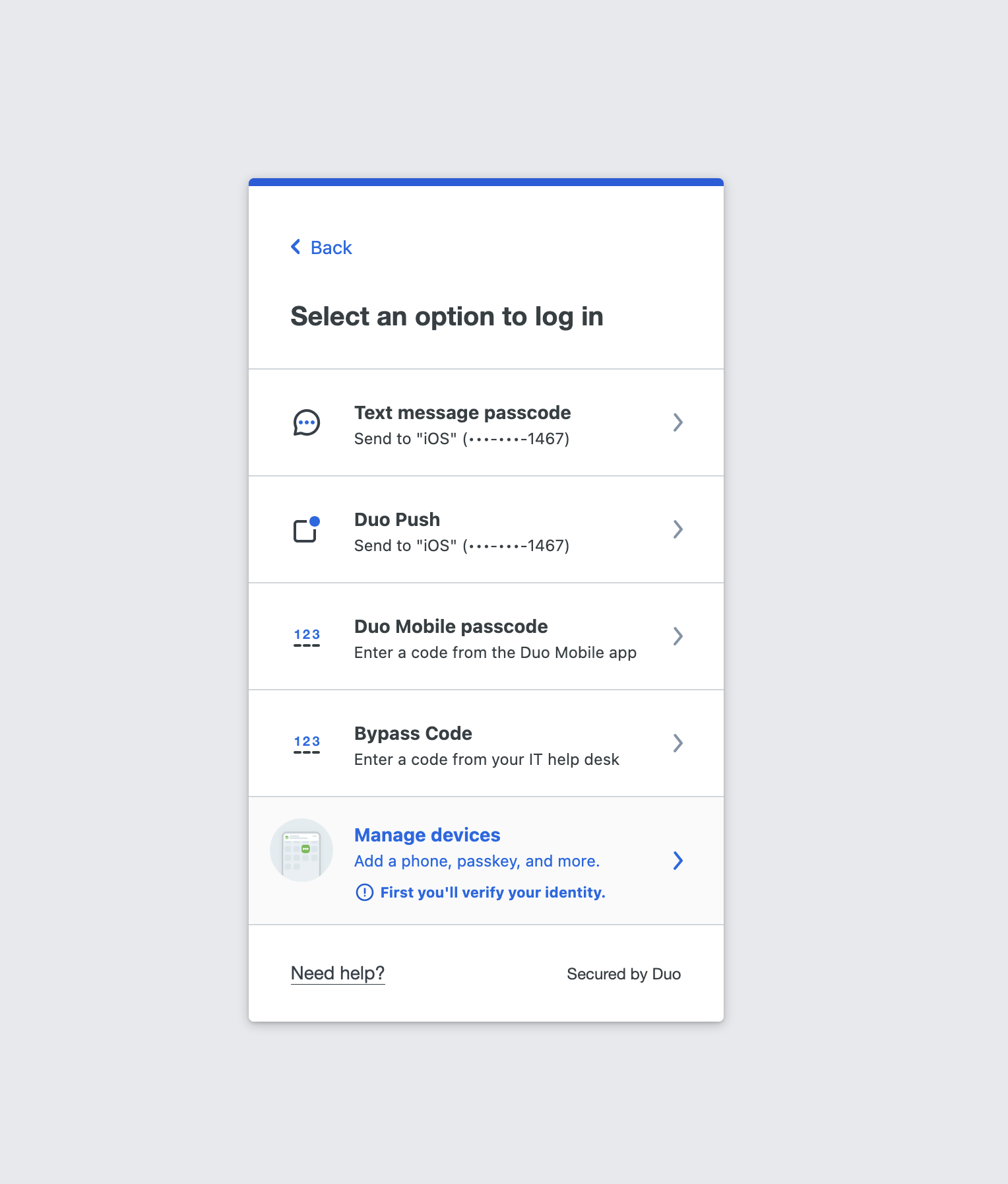
- Select Manage devices.
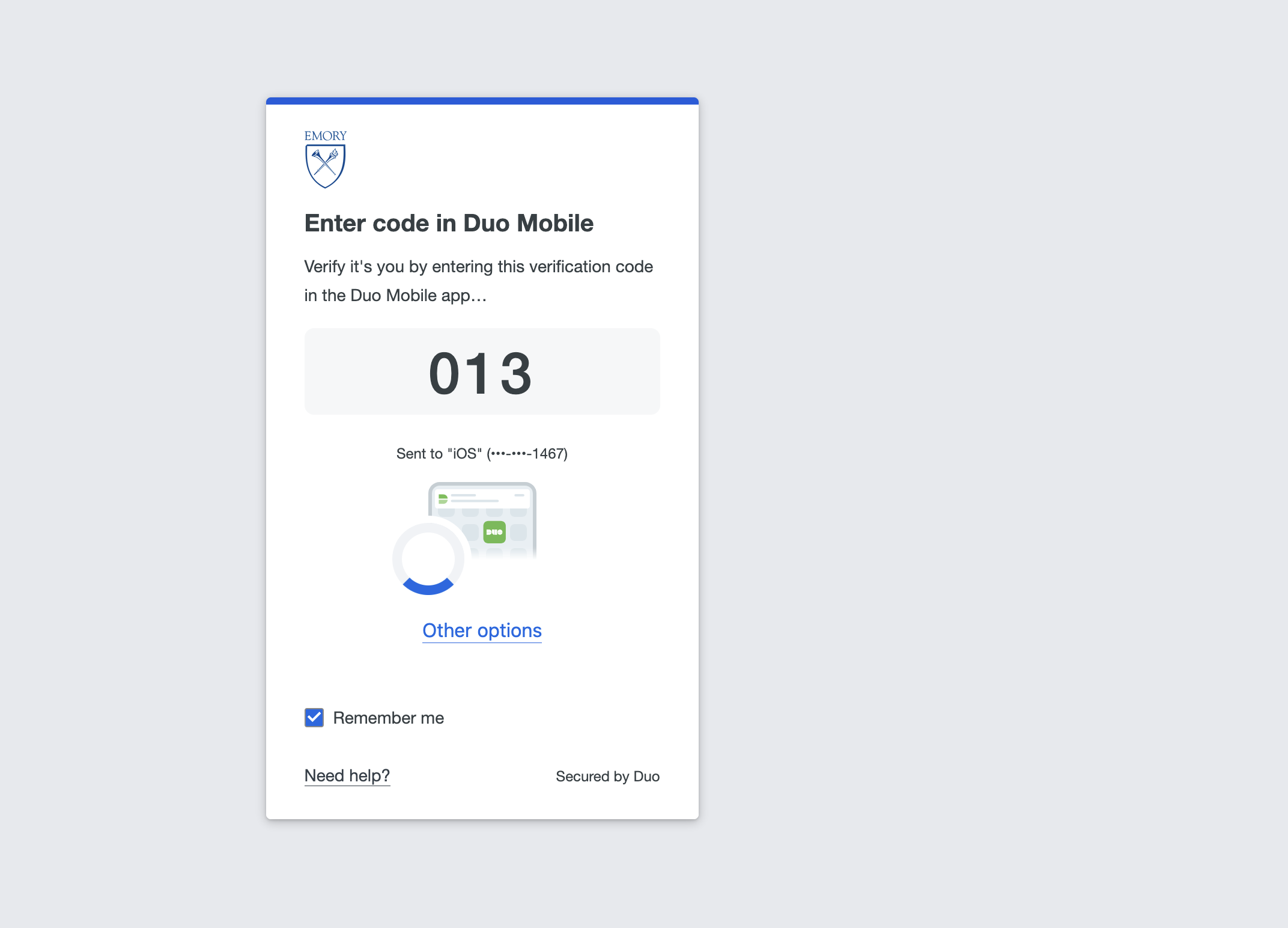
- Complete the identity verification Duo presents (for example, enter the code in Duo Mobile).
- On the device management page, click Add a device.
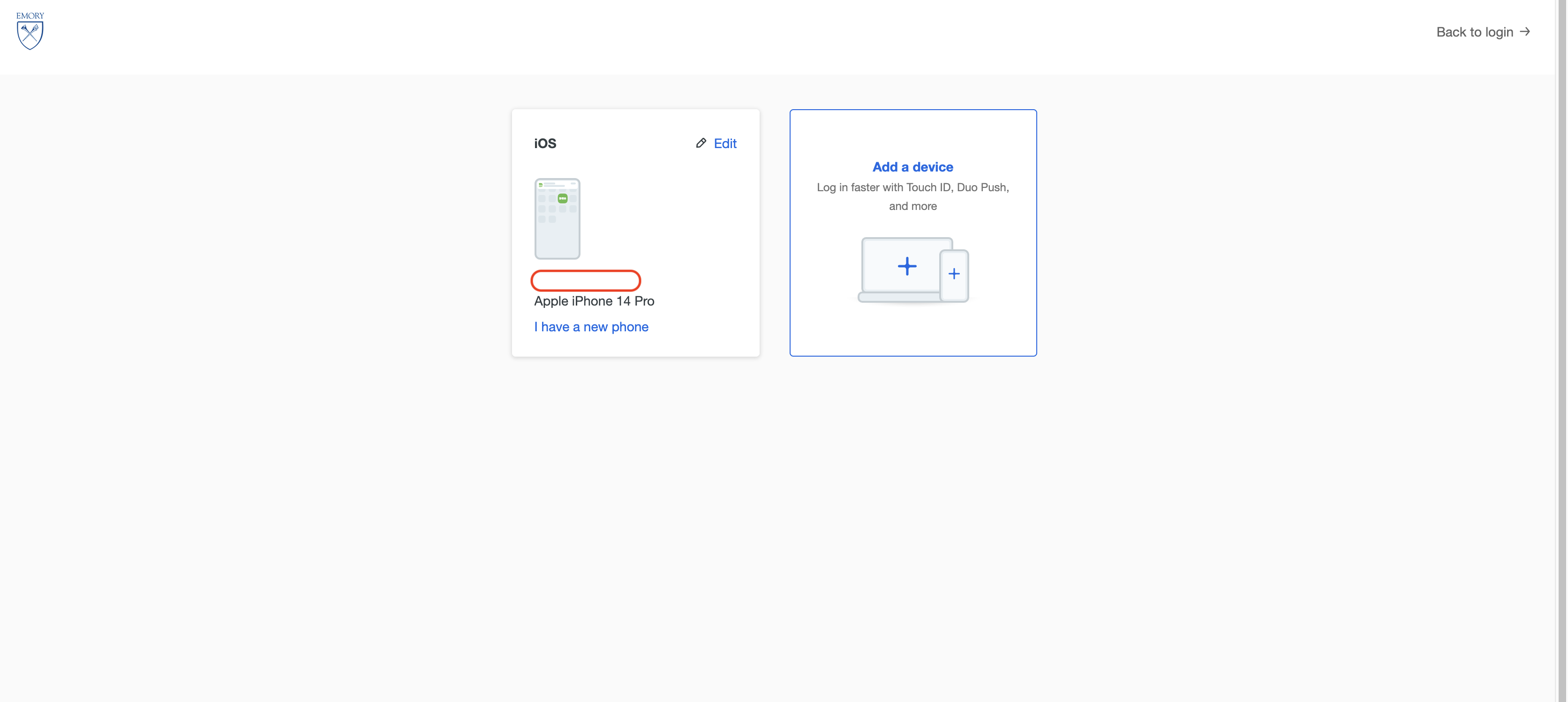
- To add a device of your choosing, you can follow the same steps as the First time setups listed below starting from step 3.