
Security Key (YubiKey) first time enrollment (Alternative)
YubiKey (requires a hardware key)
An Emory-approved YubiKey is a good option if you prefer not to use a personal phone, or if you travel internationally often. The cost of the YubiKey is covered by you or your department; see the Emory YubiKey Guidance for approved models and procurement.
Emory YubiKey Guidelines
(For Duo Multi-Factor Authentication and Research Compliance)
Overview
Emory provides free recommended options for Duo Multi-Factor Authentication (MFA). If you choose to purchase a YubiKey instead, please follow these guidelines to ensure compliance. Requirements differ for non-research users and research users.
Please note that if you choose to purchase a YubiKey, the expense will need to be covered by your department. Be sure to coordinate with your departmental administration to follow the appropriate procedures for procurement.
1. Non-Research Users
If you are not involved in research activities:
- Required Model: YubiKey Series 5
- Allowed Interfaces: USB-A, USB-C, NFC (any combination)
- Activation: Must include touch or bio-touch.
- Devices without touch activation are not allowed.
- FIPS-Certified Keys: Allowed but not required (not recommended).
- Biometric Keys: Not required and not recommended (adds unnecessary complexity).
- The following YubiKeys are recommended for Non-Research Users
Name | Part Number | Description | Recommended for |
Yubikey 5 USB A | B07HBD71HL | Yubico - YubiKey 5 NFC - Two-Factor authentication (2FA) Security Key, Connect via USB-A or NFC, FIDO Certified - Protect Your Online Accounts | Staff & Students |
Yubikey 5C USB C | B08DHL1YDL | Yubico - YubiKey 5C NFC - Two-Factor authentication (2FA) Security Key, Connect via USB-C or NFC, FIDO Certified - Protect Your Online Accounts | Staff & Students |
Yubikey 5Ci USB C and Lightning | B07WGJ1DNJ | Yubico - YubiKey 5Ci - Two-Factor authentication Security Key for Android/PC/iPhone, Dual connectors for Lighting/USB-C - FIDO Certified | Staff & Students |
2. Research Users
If your research requires NIST 800-171 compliance and you use YubiKeys for cryptographic operations like encryption or code-signing that involves the YubiKey, then a FIPS-compliant YubiKey is required.
- Required Model: YubiKey Series 5 FIPS
- Allowed Interfaces: USB-A, USB-C, NFC (any combination)
- Biometric Keys: Not required and not recommended.
- The following YubiKeys are recommended for Research Users
Name | Part Number | Description | Recommended for |
Yubikey 5C USB C (FIPS) | B0DC7315V5 | YubiKey 5C NFC FIPS | Researchers -Criteria defined in requirements doc |
Yubikey 5Ci USB C and Lightning (FIPS) | B0DC74JXDR | YUBICO YubiKey 5Ci FIPS | Researchers -Criteria defined in requirements doc |
Important Notes for Research Users
- FIPS-certified YubiKeys are validated under FIPS 140-2/3.
- Duo Federal is required for phishing-resistant MFA when FIPS compliance is mandated.
- Use of non-FIPS YubiKeys in research contexts may result in non-compliance with federal or agency requirements.
- MFA vs. Encryption: MFA itself does not need to be FIPS-validated unless used to protect Controlled Unclassified Information (CUI). The FIPS requirement applies specifically to cryptographic functions that secure the data.
On your computer
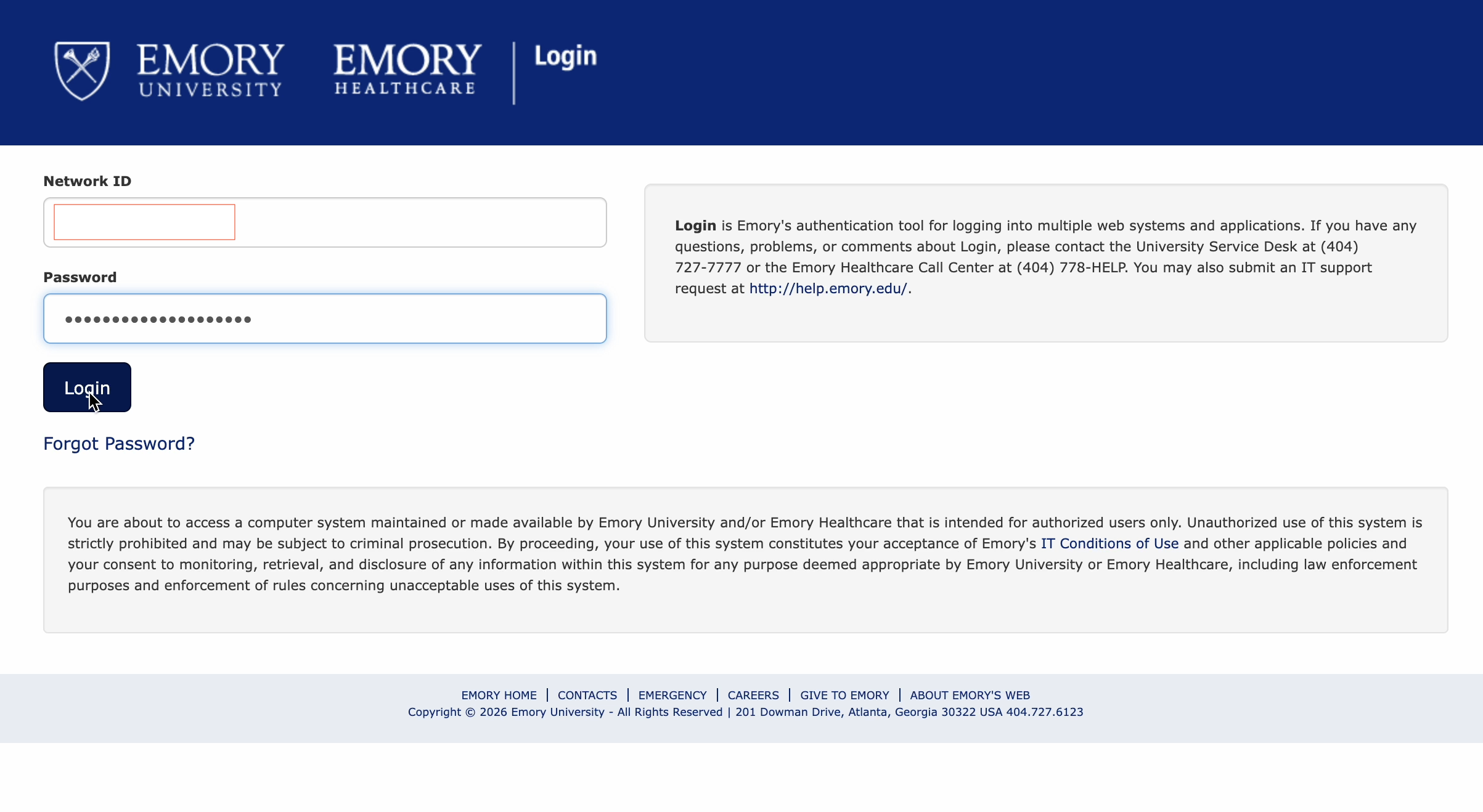
- Sign in to a Duo-protected application (or the Duo Self-Service Portal) with your Emory Network ID and password.
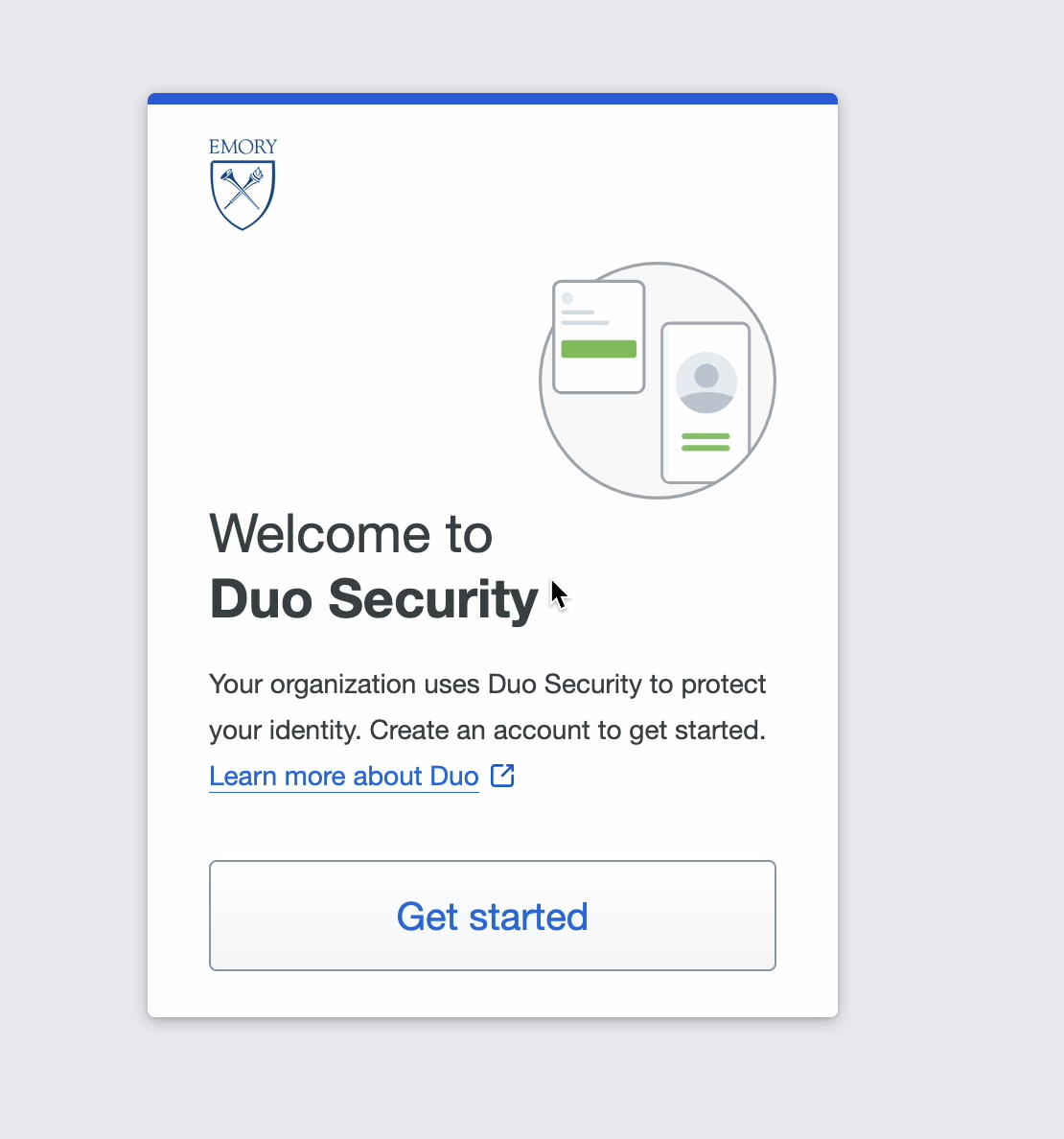
- At Welcome to Duo Security, select Get started.
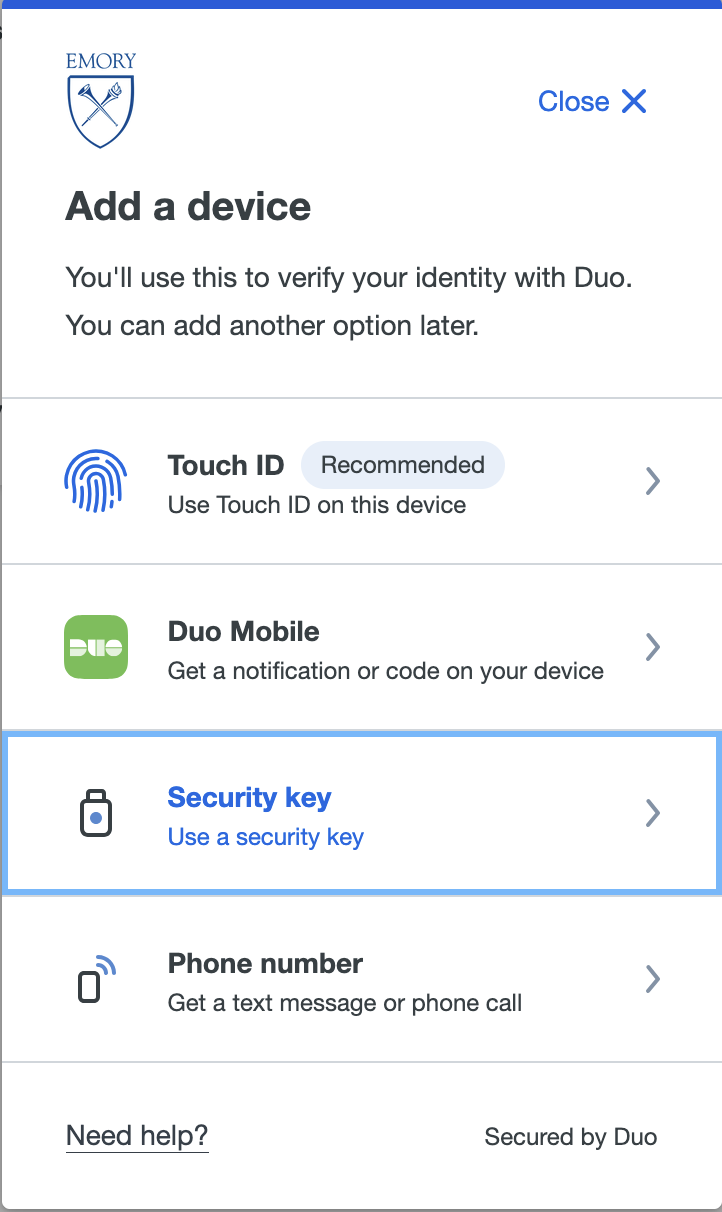
- Sign in to a Duo-protected application (or the Duo Self-Service Portal) with your Emory Network ID and password.
- Choose Security key
- Click Continue
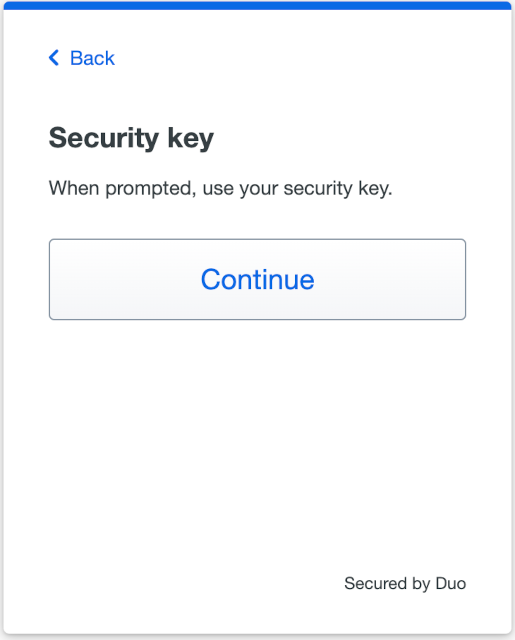
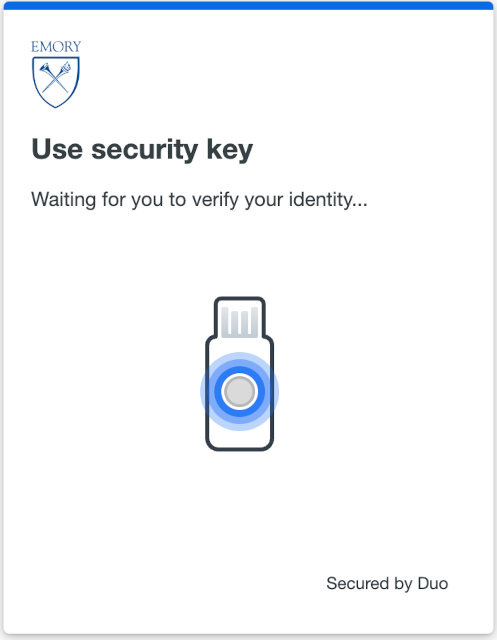
- Insert your security key into a USB port on your computer and touch the button.
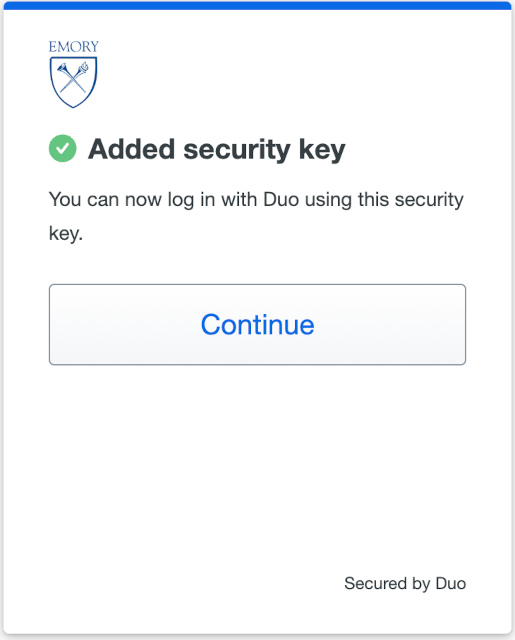
- Click Continue
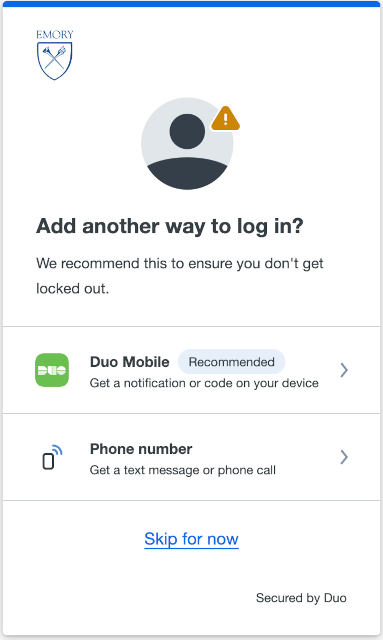
- A screen will ask if you want to add another way to log in. Click Skip for now.
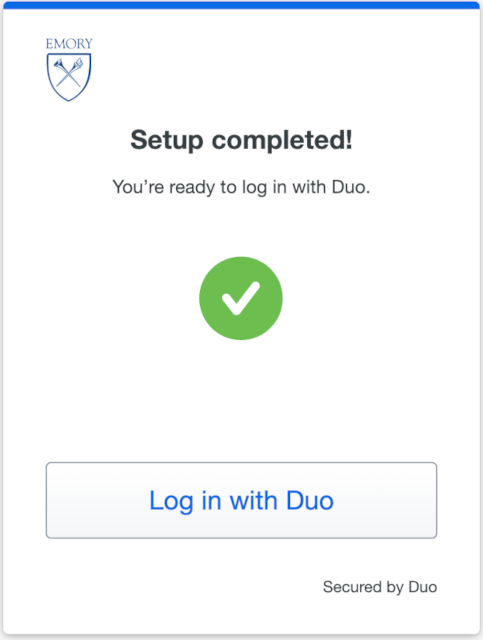
- Click Login to Duo to start using your Security Key
- The Security Key now appears as a registered device.