
Managing Your Duo Devices
To manage the devices and methods associated with your Duo account (add, rename, replace, or delete), follow the steps below. Because phone call, text message, and Duo Mobile passcode can no longer be used for authentication, we recommend deleting them along with any device you no longer use.
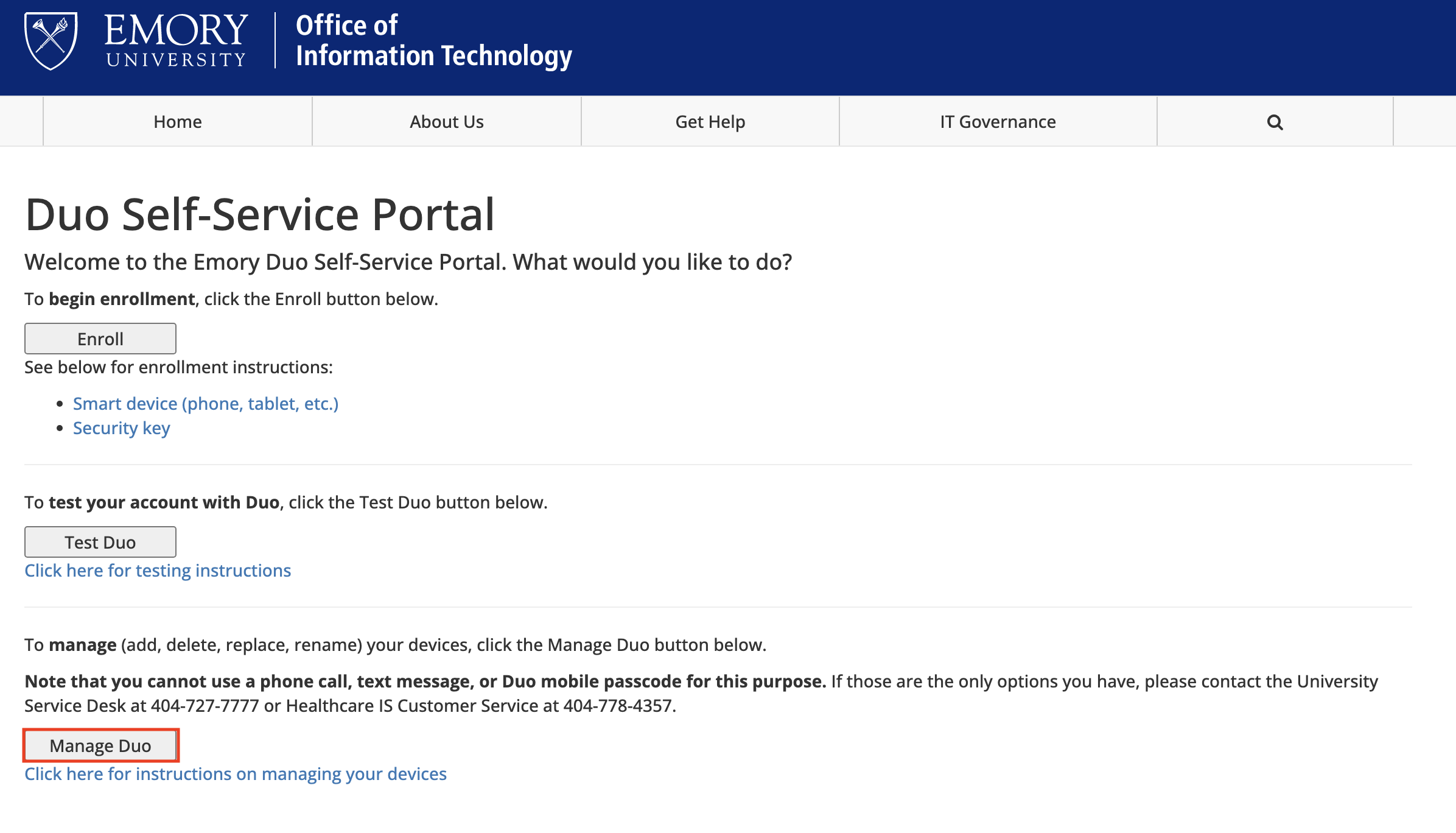
- In your browser, open the Duo Self-Service Portal and click Manage Duo.
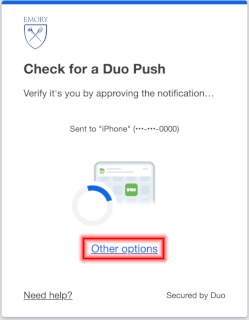
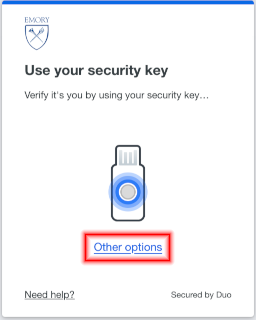
- Depending on whether you have Duo set up to use a smart device (phone, tablet) or a security key, you will see a different screen. At the verification prompt, click Other options (do not send a passcode).
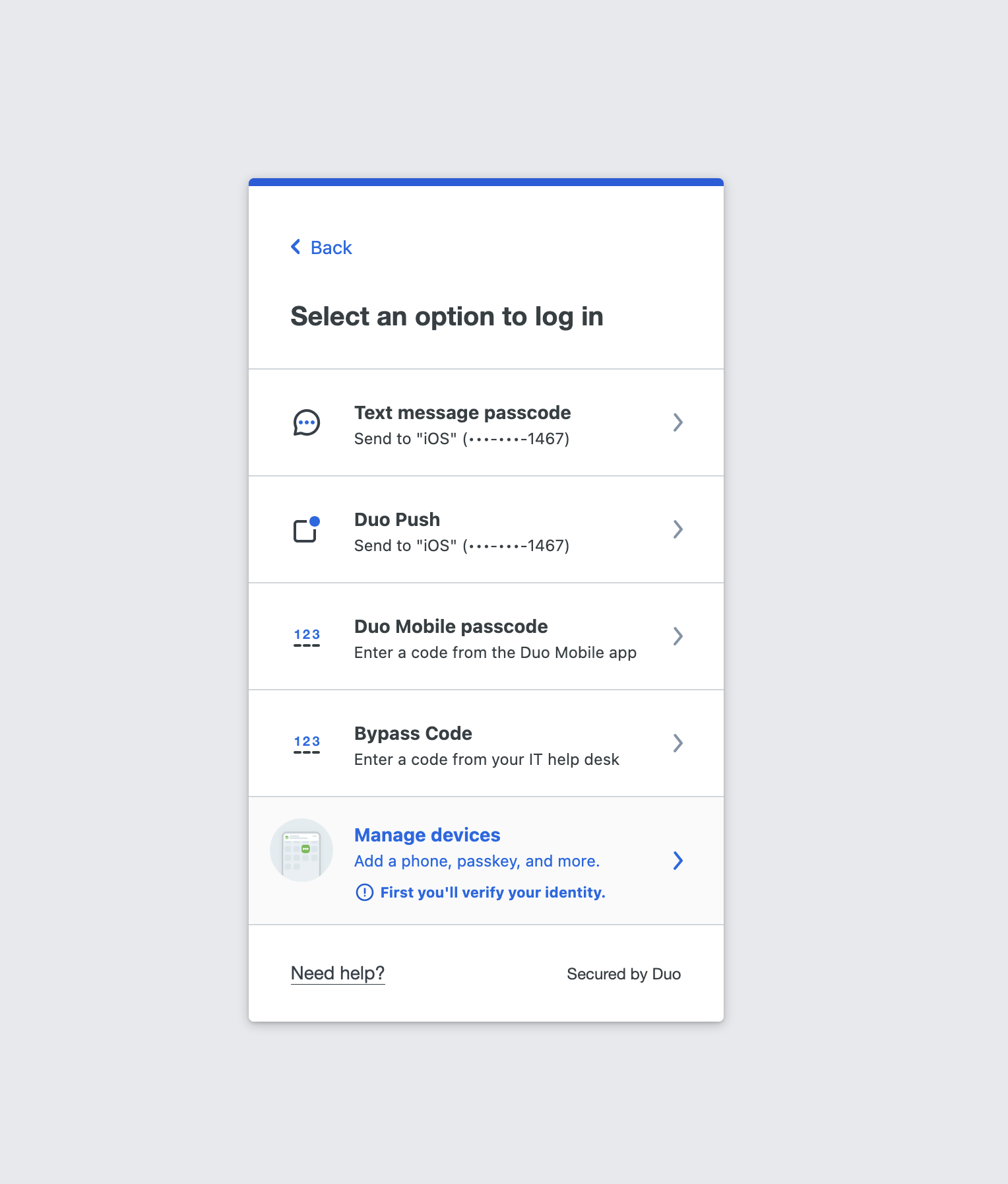
- Select Manage devices.
- Use your prefered method to authenticate. Do Not click other option this time.
Duo Verified Push authentication shown below, but you can use other MFA methods if you so desire.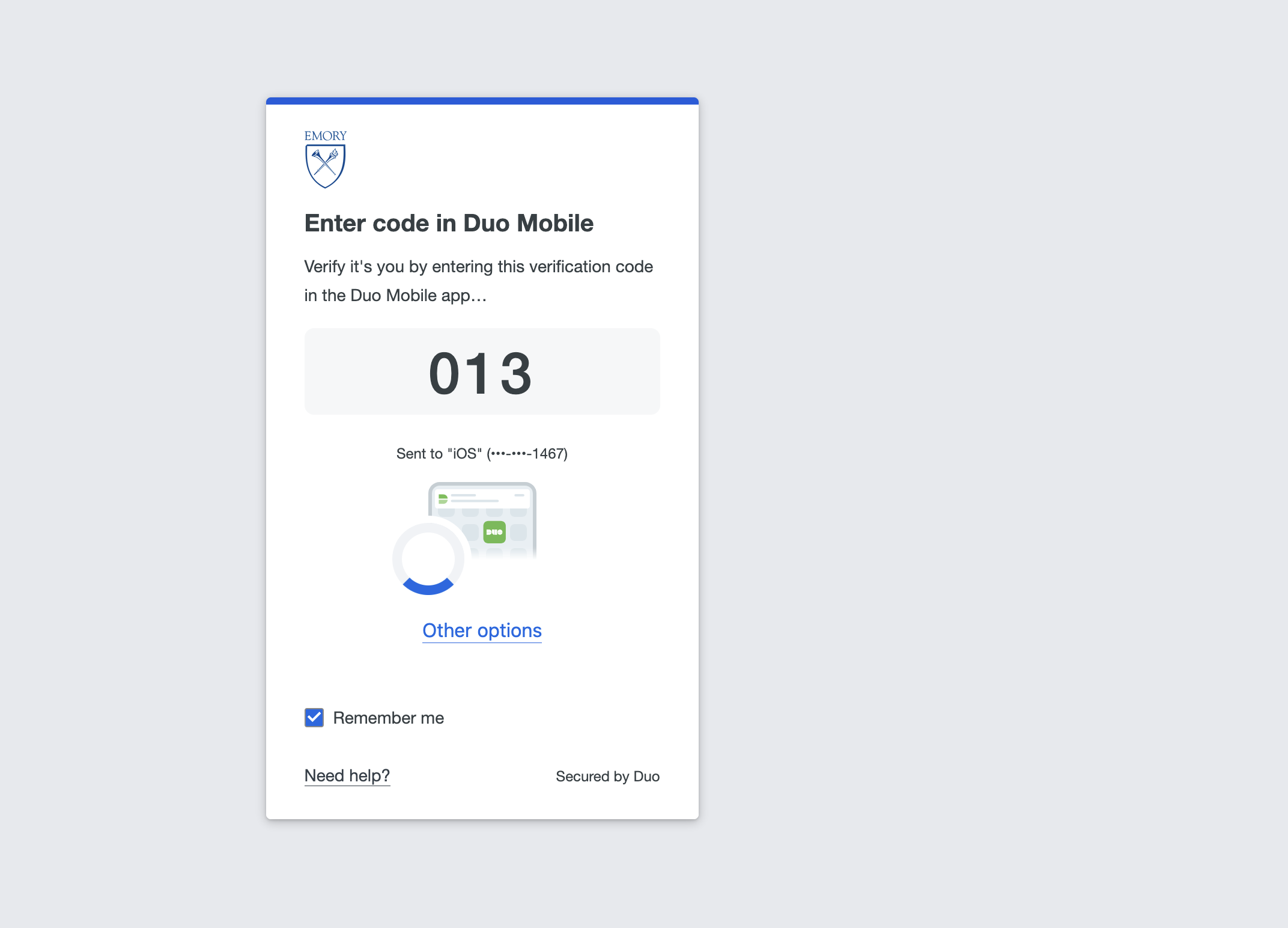
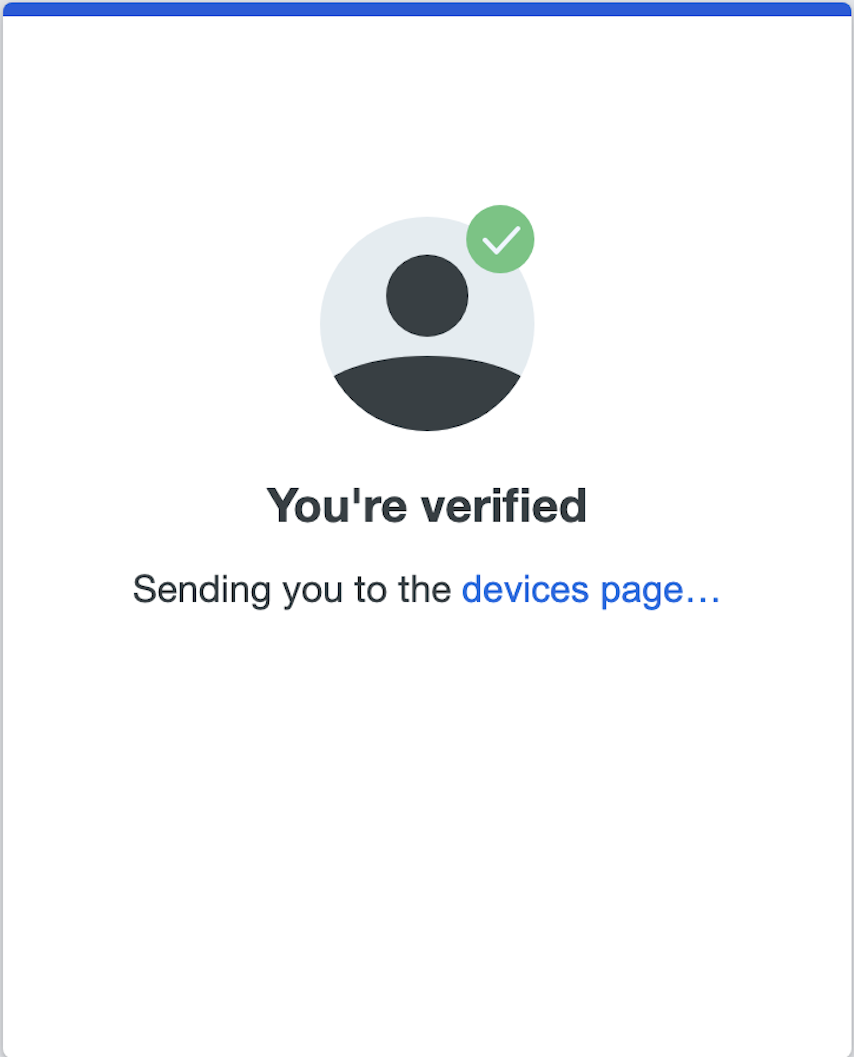
- Once you authenticate you should see a You're verified page briefly.
- Following the verification, you will see the screen where all enrolled MFA methods are shown. Please review and delete any MFA methods that are no longer valid such as devices you no longer have.
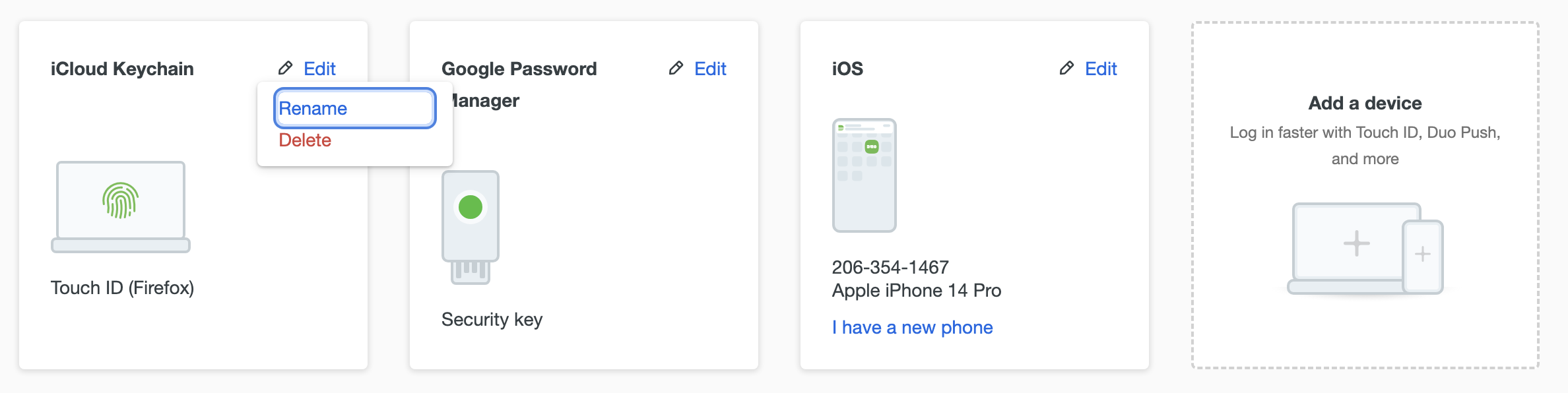
From this screen, you can:- Add a device (click Add a device, then follow the steps from the Existing users sections of the method you want to add:
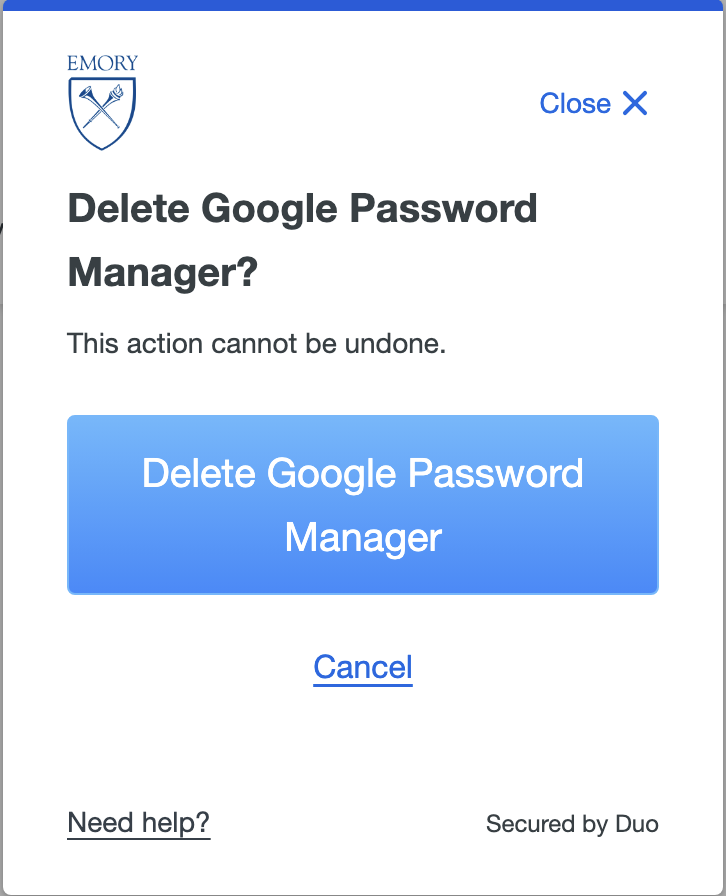
- Delete a device (click Edit, then Delete)
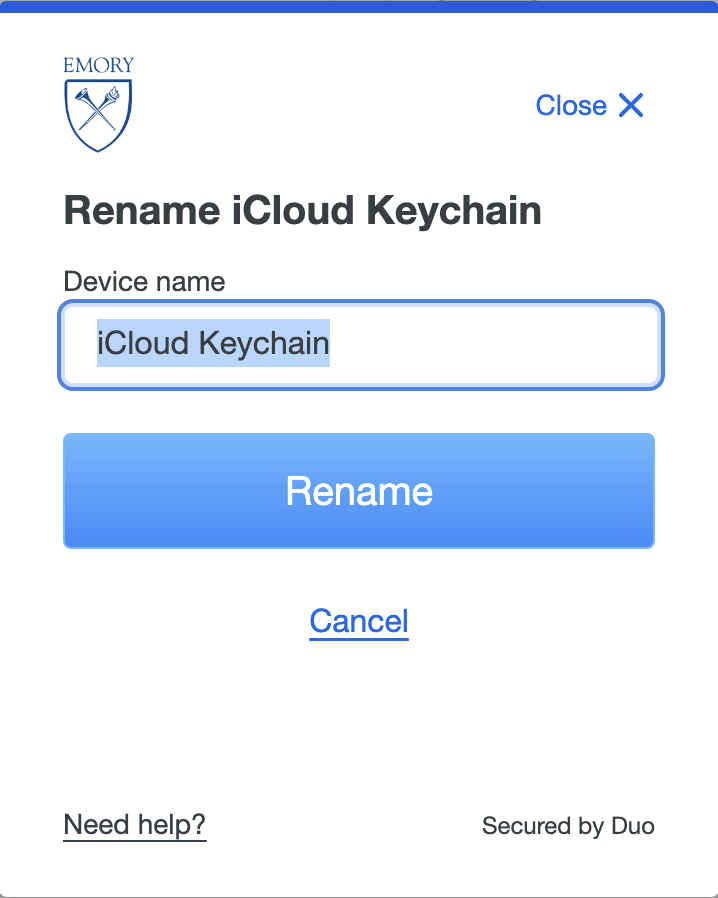
- Rename a device (click Edit, then Rename)
If you encounter any issues or have additional questions, please check the please check the FAQ; if you still need help, our Need Help? page lists the service desks to contact.