Emory IT ServicesSkip to main content
  • Home
  • About Us
  • Get Help
  • IT Governance
Main content
  1. Home
  2. Security
  3. Duo Multi-Factor Authentication (MFA)
  4. Test your MFA methods

Test your MFA methods

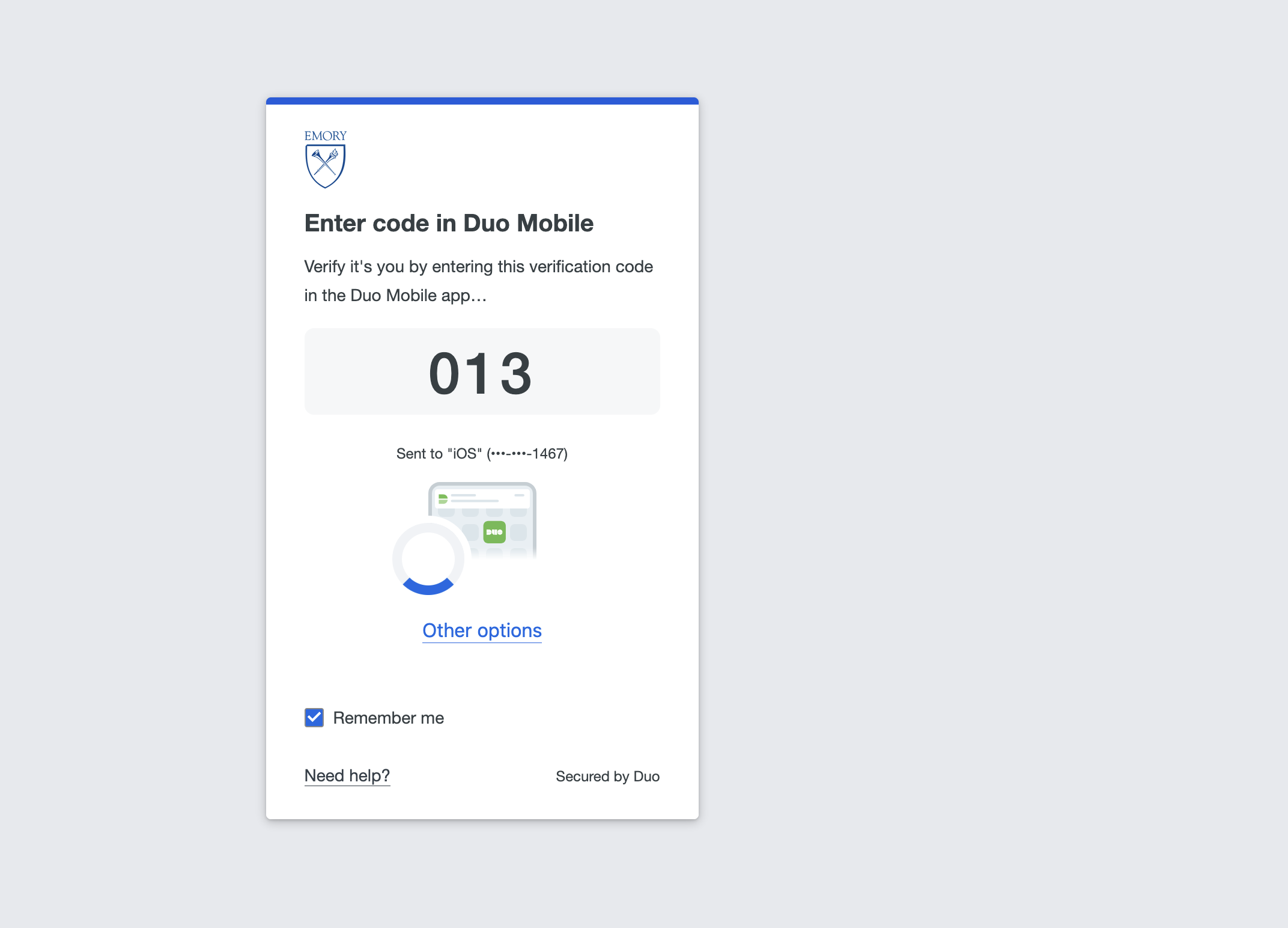
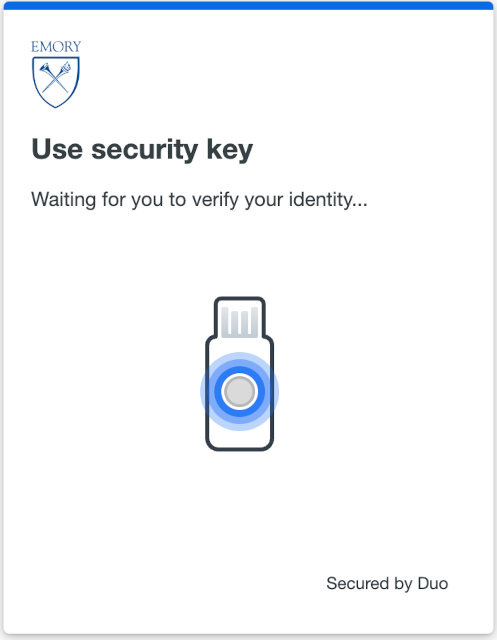
  1. Go to the Duo Self-Service Portal and select Test Duo. Sign in and complete a Duo prompt.
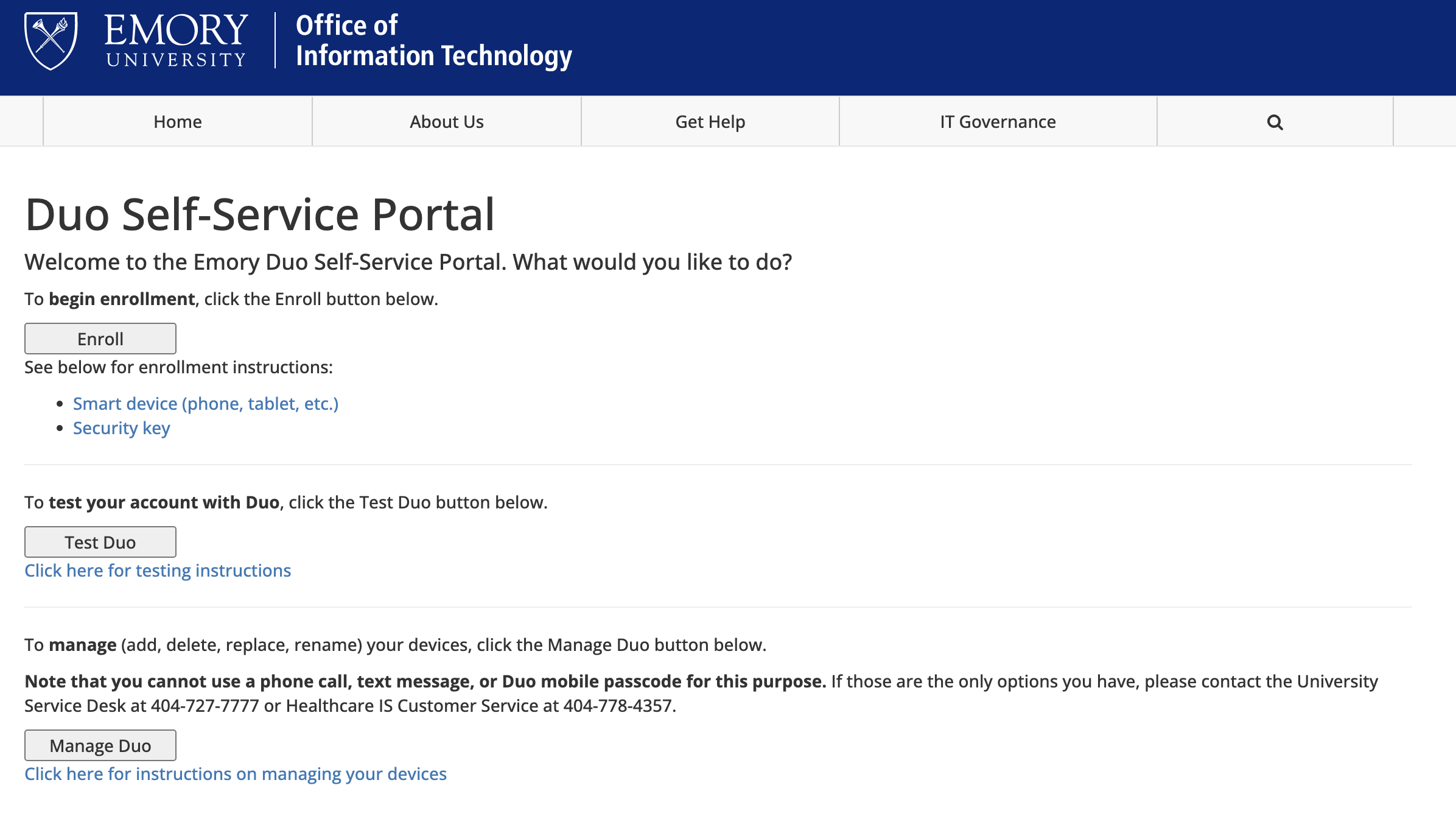
    5
  2. If everything is working, you will see a confirmation that your account works correctly with Duo.
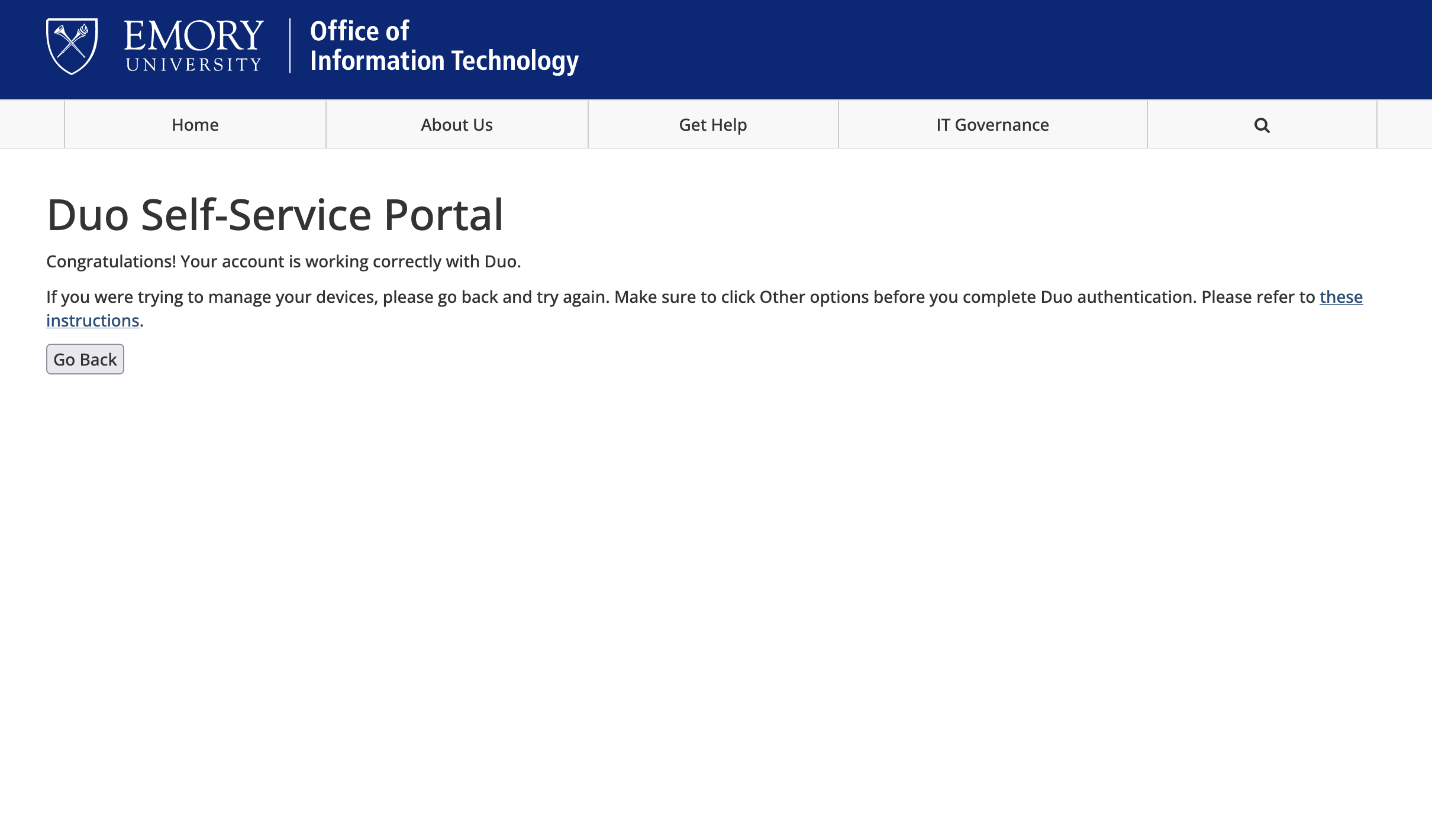
    1

Reference: Testing instructions (KB07469).

  • Security
  • Duo Multi-Factor Authentication (MFA)
    • Smart Device Enrollment (Recommended)
    • Mac OS Touch ID Enrollment
    • Security Key (YubiKey) Enrollment
    • Mobile Passkey Enrollment
    • Windows Hello Enrollment
    • Adding additional MFA methods
    • FAQ
    • Need help?
    • Test your MFA methods
    • Everyday use of MFA
    • International travel
    • 2026 MFA policy rollout
    • Duo Self-Service Portal
  • IT Risk and Compliance
  • Protecting Your Data
  • Policies and Procedures
  • Security Awareness
  • Services
  • Contact Us
  • Emory VPN Access
  • EMORY HOME
  • CONTACTS
  • EMERGENCY
  • CAREERS
  • GIVE TO EMORY
  • ABOUT EMORY'S WEB

Copyright © Emory University - All Rights Reserved | 201 Dowman Drive, Atlanta, Georgia 30322 USA 404.727.6123